
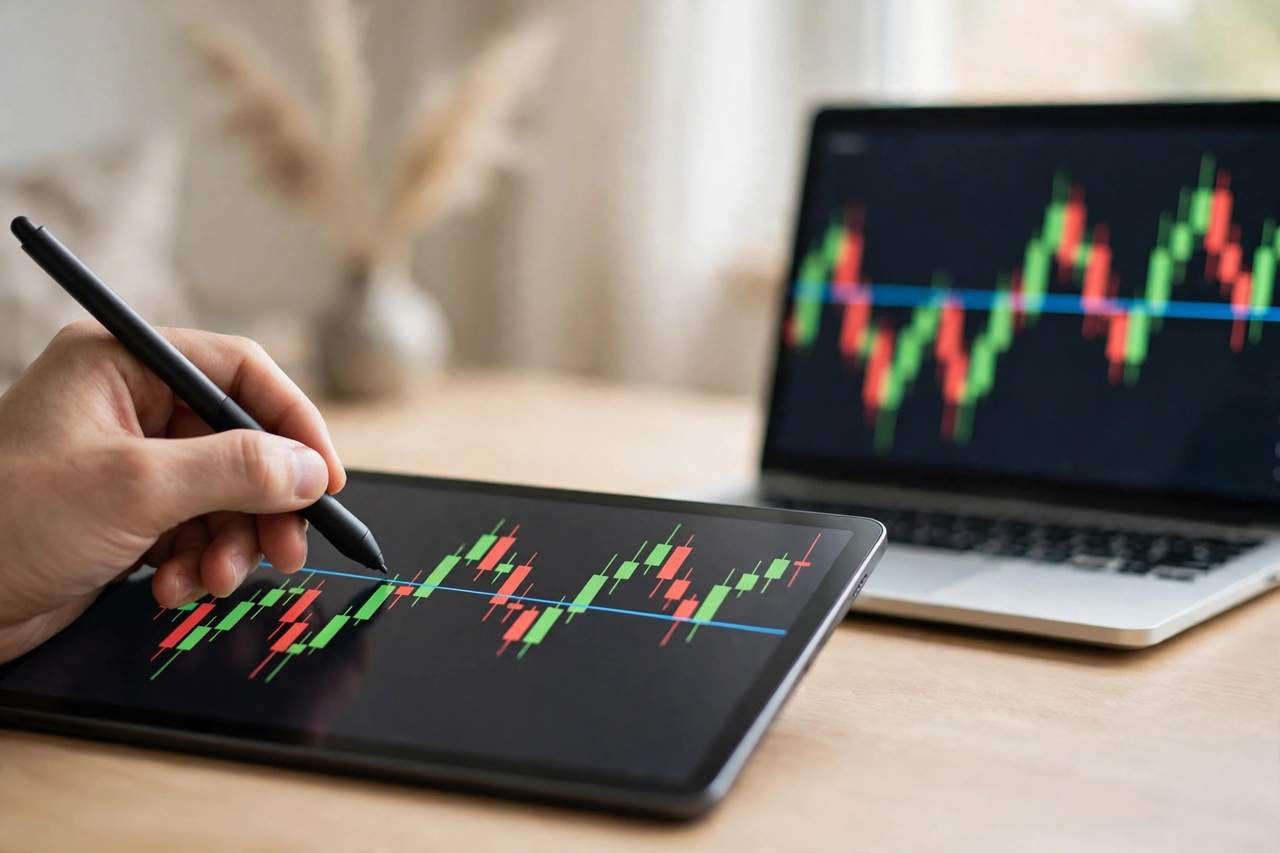
When I switch from my computer to my phone, I want to see the same EUR/USD chart with the levels I already marked. My first check is whether both screens are showing the same saved layout and the same price feed.
If you’re wondering how to sync forex charts across devices, start there. In TradingView, sign in to the same account, save your layout on desktop, then open that named layout on mobile. Add one test drawing before you move your full setup. You’ll know the handoff worked when the same line appears at the same price on both screens.
What syncs when you save a forex chart layout?
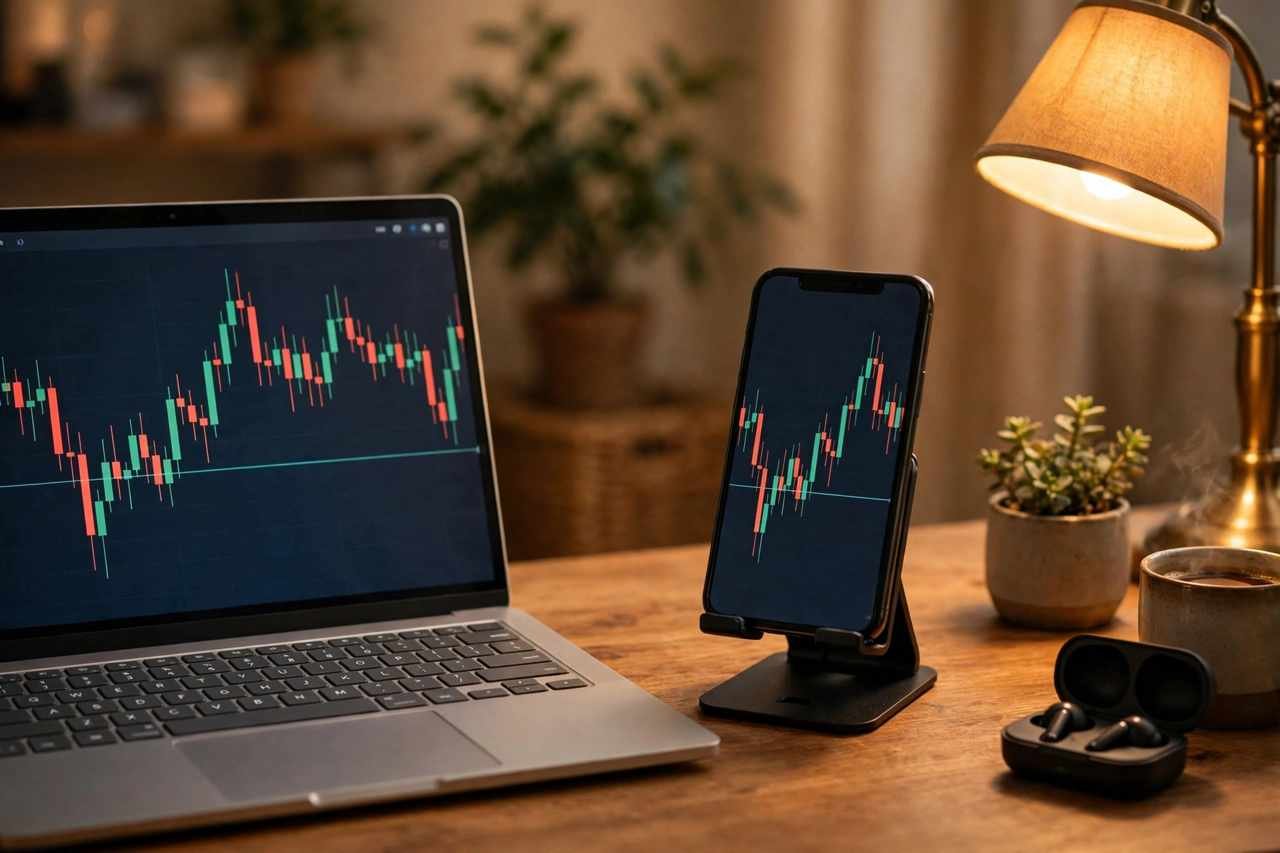
A TradingView layout is a saved workspace. It can hold your chart type, timeframe, indicators, visual settings, and drawings. Opening that layout on another screen brings up the saved workspace. If you deliberately use separate layouts for desktop analysis and mobile review, drawing synchronization determines which annotations appear in both.
Within a layout versus across layouts
Choose “Sync in layout” when you want a drawing to appear on charts using the same symbol within one layout. Choose “Sync globally” when you want that drawing available on charts using the same symbol across separate layouts. If you use a forex market replay tool in a separate layout, global syncing lets you reference the same marked levels on charts for that currency pair.
You can also change the scope of an existing drawing from its context menu. If you only want to carry over one important level, change that drawing individually before changing the default for new objects.
How to open the same TradingView chart on desktop and mobile

The quickest way to learn how to sync forex charts across devices is to test one layout, one currency pair, and one horizontal line. That gives you a clear result before you add more charts or troubleshoot an entire workspace.
Save a named layout and add a test line
On desktop, open Manage layouts in the chart toolbar and save your workspace under a name you’ll recognize, such as “EURUSD Review.” Open the EUR/USD feed you normally use. For this example, select OANDA:EURUSD and set the chart to one hour.
Draw a horizontal line and note its price. Save the layout, then leave it alone while you check the phone. If you usually work with several browser tabs open, make your test edit in just one of them.
Open the layout on your phone and verify the price
Sign in to the TradingView mobile app with the same account. Open the saved-layout list and select “EURUSD Review.” Check the full symbol and timeframe, then find your test line. If you can’t see it, zoom out or scroll to the price you marked. Once you see it, move the line slightly on desktop, save again, and check whether the new position appears on mobile.
Why your forex chart drawings are missing on your phone

Check the layout name, then check the data feed
A chart showing “EUR/USD” can look familiar even when it comes from a different provider. If you drew a line on OANDA:EURUSD and opened an FXCM feed on mobile, switch back to the OANDA symbol before changing sync settings. If the full symbol matches, check the layout name next. A phone that reopens a different workspace can show the same pair with a different set of drawings.
Check the drawing scope and save behavior
If the drawing appears in one layout but disappears in another, inspect its sync scope. For real-time global drawing updates across devices, enable layout Autosave. With Autosave off, global drawings synchronize after a manual save. If you edit different open copies of the same layout, one save can overwrite changes from the other. Finish and save your edits on one screen before making changes on the next.
What MetaTrader 5 and cTrader can carry across devices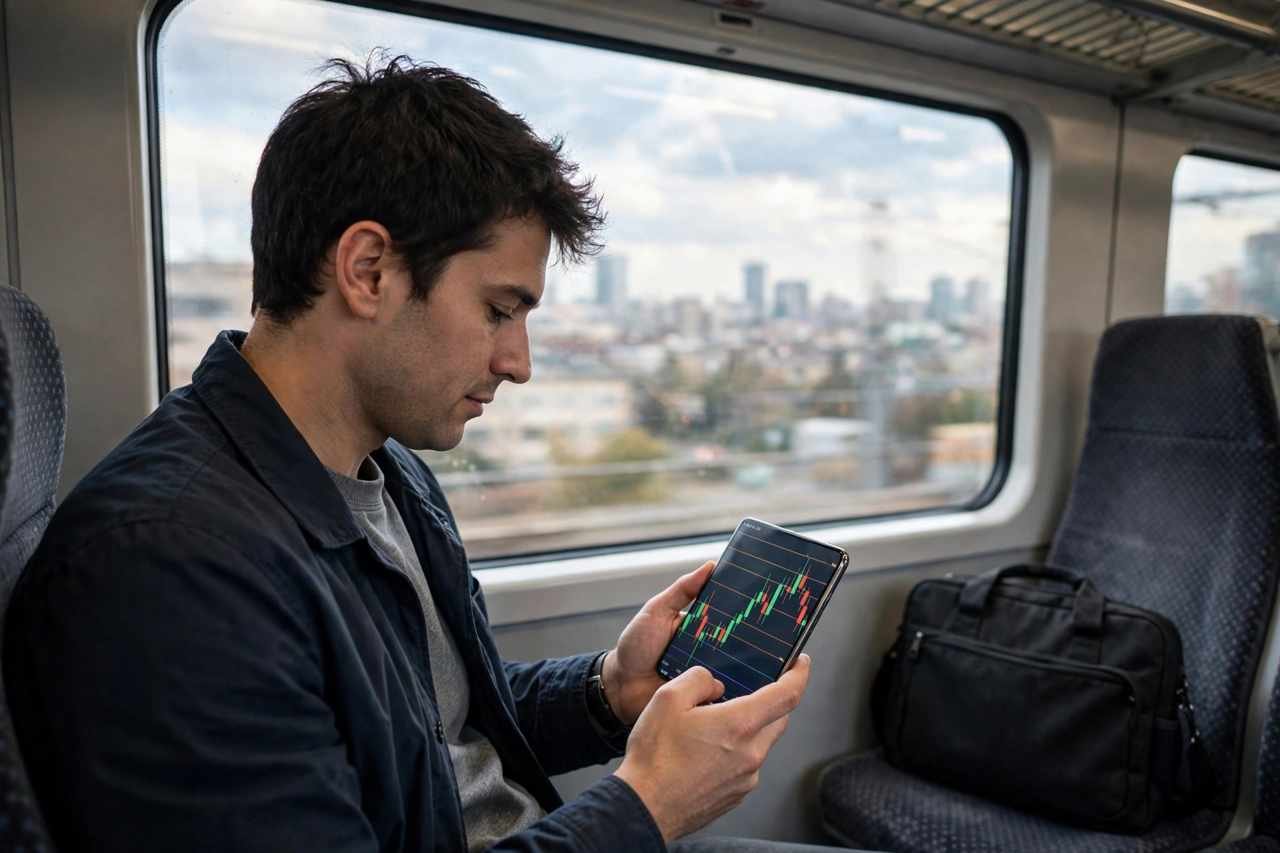
MetaTrader 5 uses desktop templates and profiles
An MT5 template saves a chart’s setup, while a profile saves a group of charts. Desktop MT5 stores these locally, so they’re useful for backing up a workspace or moving it to another computer. Treat the mobile chart as a separate setup. If you need your desktop support and resistance levels on your phone, record their prices and recreate the lines in the mobile app.
cTrader workspaces depend on the app version
Your cTrader ID lets you access workspaces across computers using a compatible version. cTrader Web and cTrader Desktop use separate workspace formats. If you chart on desktop and review on a phone, test a single drawing in the mobile app before relying on it for your full set of annotations. That quick check tells you what your specific setup carries over.
Frequently asked questions
1. What’s the easiest way to learn how to sync forex charts across devices?
Save a named layout on your computer, add a horizontal line, and open the same layout on your phone. Match the full forex symbol and confirm the line appears at the same price.
2. Why do my EUR/USD candles look different on my phone?
Check the data provider and timeframe on both screens. Two EUR/USD feeds can show slightly different prices, and a five-minute candle will look different from a one-hour candle. Match both settings before comparing your levels.
3. I need global sync to see a drawing on my phone?
Global sync is useful when you want the drawing in separate layouts. If you’re opening the same saved layout on both devices, start by checking the layout name, full symbol, and whether your latest edit was saved.
My desktop-to-phone routine
When someone asks me how to sync forex charts across devices, I start with the test line. I save my desktop layout, open it by name on my phone, and compare the exact symbol and price level.
If the line is missing, I check the feed before touching Autosave or changing the drawing scope. Once that handoff works, I know I can pick up my chart review on a smaller screen without having to mark the same levels twice.